
An operating system (OS) is the core software that manages a computer, smartphone, tablet, or other computing device. It acts as a bridge between the user, applications, and hardware, allowing different parts of a device to work together.
What Is an Operating System?
An operating system is system software that manages a device’s hardware and software resources and provides an environment in which applications can run.
For example, when you open a browser, save a file, connect a USB drive, or install an application, the operating system manages the underlying processes required to perform those tasks.
Popular operating systems include Windows, macOS, Linux, Android, and iOS.
Why Is an Operating System Important?
Without an operating system, using a modern computer or smartphone would be extremely difficult. Applications would need to communicate directly with hardware, and users would have to manage many low-level operations themselves.
An OS provides a standardized way for applications to use resources such as the processor, memory, storage, keyboard, display, network, and other hardware.
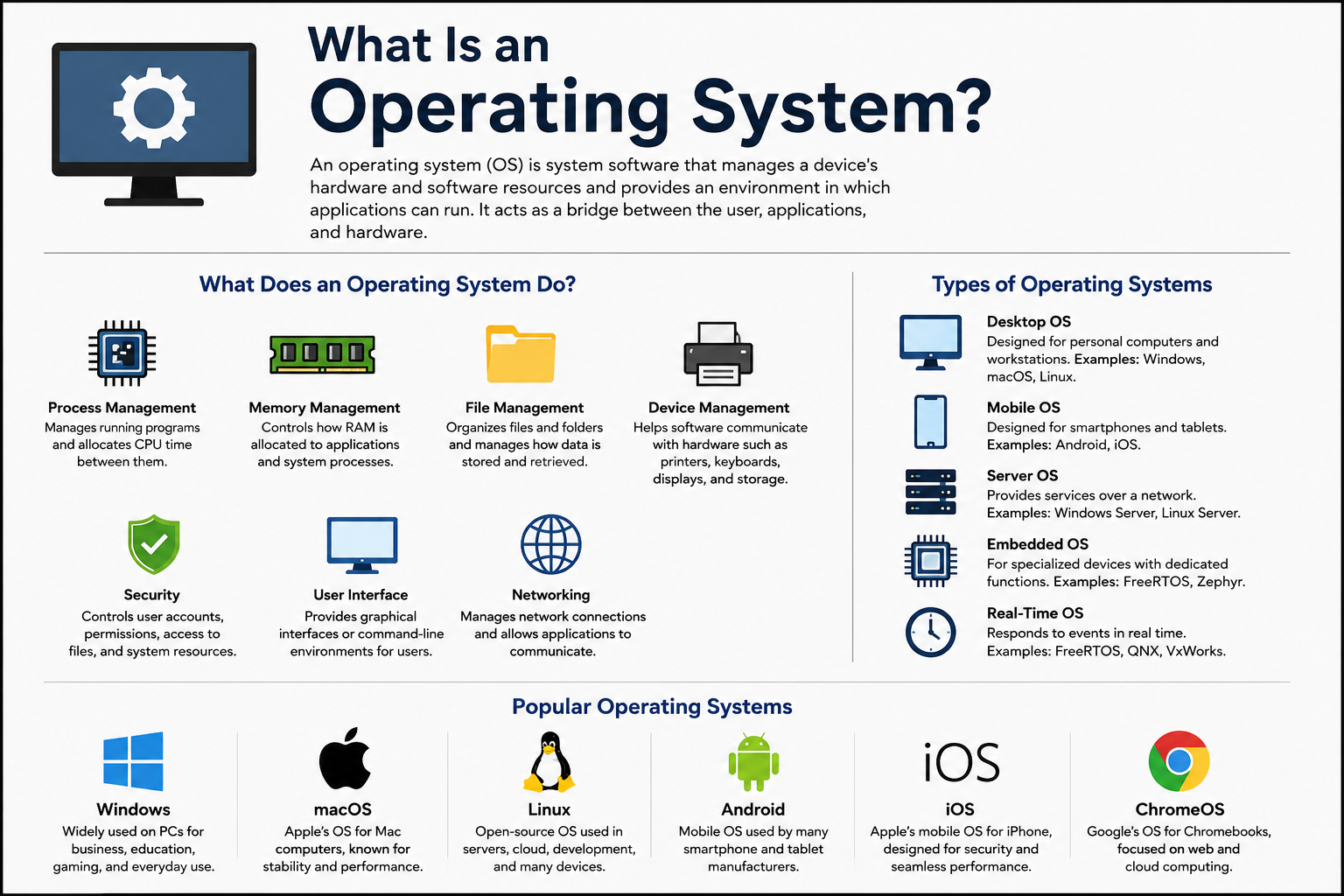
What Does an Operating System Do?
An operating system performs several important jobs.
Process management: It manages running programs and determines how CPU time is allocated between them.
Memory management: It controls how RAM is allocated to applications and system processes.
File management: It organizes files and folders and manages how data is stored and retrieved.
Device management: It helps software communicate with hardware such as printers, keyboards, displays, storage devices, and network adapters.
Security: It can control user accounts, permissions, access to files, and other system resources.
User interface: It provides graphical interfaces or command-line environments through which users interact with the device.
Networking: It manages network connections and provides services that allow applications to communicate over networks.
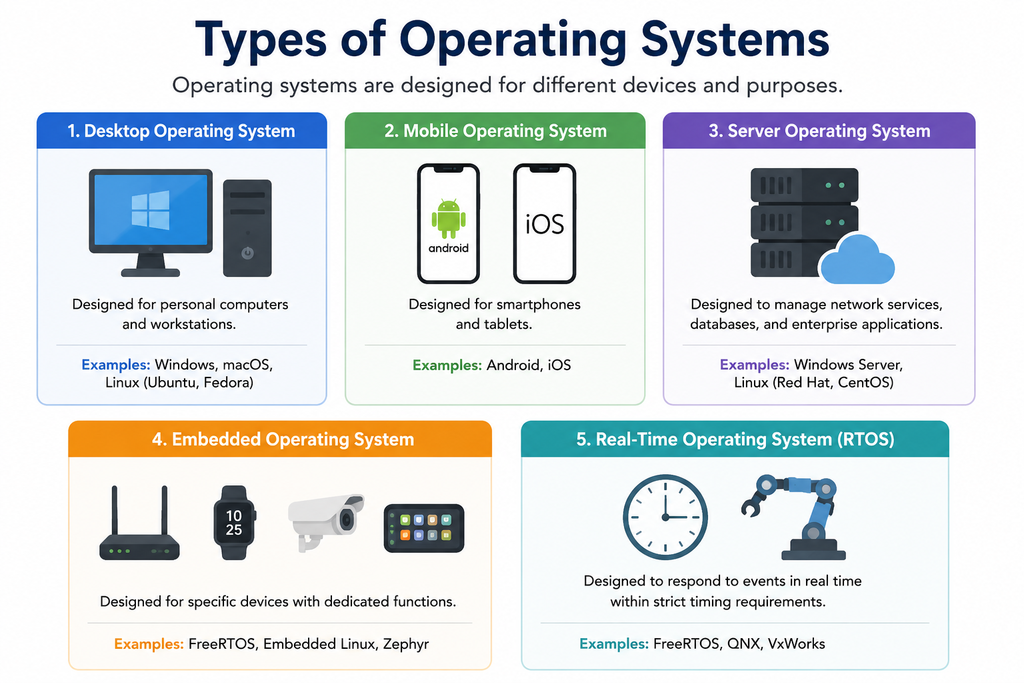
What Are the Main Types of Operating Systems?
Operating systems can be classified in several ways depending on how they are designed and where they are used.
What Is a Desktop Operating System?
A desktop OS is designed for personal computers and workstations. It normally provides a graphical user interface and supports applications such as web browsers, office software, media players, development tools, and games.
Examples include Windows, macOS, and desktop Linux distributions.
What Is a Mobile Operating System?
A mobile operating system is designed specifically for smartphones and tablets. It is optimized for touchscreens, mobile processors, cameras, sensors, wireless connectivity, and battery efficiency.
The most widely recognized examples are Android and iOS.
What Is a Server Operating System?
A server Operating System is designed to provide services to other computers and devices over a network.
It can manage web servers, databases, file sharing, authentication, networking, virtualization, and enterprise applications.
Examples include Windows Server and various Linux server distributions.
What Is an Embedded Operating System?
An embedded OS is designed for specialized devices that perform specific functions rather than general-purpose computing.
These systems can be found in routers, smart appliances, industrial equipment, automotive systems, medical devices, and other embedded hardware.
Examples include FreeRTOS and Zephyr.
What Is a Real-Time Operating System?
A Real-Time Operating System (RTOS) is designed to respond to events within predictable timing requirements.
RTOS technology is useful when timing is critical, such as in industrial control systems, robotics, automotive electronics, aerospace systems, and certain medical devices.
Examples include FreeRTOS, QNX, and VxWorks.
Which Operating Systems Are Commonly Used?
Several operating systems are widely used for different purposes.
Microsoft Windows is widely used on personal computers, business systems, educational computers, and gaming PCs.
Apple macOS is designed for Apple’s Mac computers and is commonly used for productivity, creative work, software development, and general computing.
Linux is an open-source operating-system ecosystem available in many distributions. It is widely used on servers, cloud infrastructure, development machines, embedded systems, and desktop computers.
Android is a mobile operating system used by many smartphone and tablet manufacturers.
Apple iOS is Apple’s mobile operating system for iPhone.
ChromeOS is Google’s operating system used primarily on Chromebooks and is built around web applications and cloud-based computing.
Is Linux an Operating System?
Yes, Linux-based operating systems are operating systems. Technically, Linux itself is the kernel, which is the central component responsible for communicating with hardware and managing core system resources.
Complete Linux operating systems are usually distributed as Linux distributions, such as Ubuntu, Debian, Fedora, and Arch Linux.
What Is the Difference Between an Operating System and an Application?
An operating system manages the computer’s resources and provides services to applications.
An application performs a particular task for the user.
For example, Windows is an operating system, while Google Chrome is an application that runs on an operating system.
The application can request resources such as memory, storage, networking, and input or output operations from the Operating System.
How Does an Operating System Work?
When a device starts, a boot process loads the operating system’s core components into memory.
The kernel then begins managing hardware and system resources. When you launch an application, the OS creates and manages the necessary processes, allocates memory, provides access to files and devices, and handles communication between the application and hardware.
This happens continuously in the background while you use the device.
What Is a Kernel?
The kernel is the central part of an operating system. It operates at a low level and manages essential resources such as the CPU, memory, devices, and system processes.
The kernel is not the entire operating system. It is one of its most important components.
What Is a GUI in an Operating System?
A graphical user interface (GUI) allows users to interact with a computer through visual elements such as windows, icons, menus, buttons, and pointers.
Windows and macOS are well-known examples of operating systems with graphical interfaces.
What Is a CLI?
A Command-Line Interface (CLI) allows users to interact with the operating system by entering commands as text.
CLIs are commonly used by system administrators, developers, cybersecurity professionals, and advanced users because they can provide powerful and efficient ways to manage systems.
Examples include PowerShell, Windows Command Prompt, Bash, and other Unix shells.
Can a Computer Work Without an Operating System?
A computer can technically operate without a conventional general-purpose operating system, but it would not provide the normal environment required for running everyday applications.
Some specialized devices run firmware or dedicated software directly on hardware instead of using a traditional desktop or mobile operating system.
For normal personal computing, however, an operating system is essential.
Can Multiple Operating Systems Be Installed on One Computer?
Yes. A computer can have multiple operating systems installed, a setup commonly called “dual boot” or “multi-boot.”
For example, a computer might have Windows and Linux installed. During startup, the user can select which operating system to launch.
Virtual machines can also allow multiple operating systems to run on the same physical computer without traditional dual booting.
How Is an Operating System Used in Everyday Life?
Whenever you use a modern computing device, an operating system is usually working in the background.
When you open an application, browse the internet, download a file, connect Bluetooth headphones, print a document, take a photo, or manage storage, the operating system coordinates many of the underlying operations.
This makes complex hardware and software interactions much easier for users and applications.
Is it operating system software or hardware?
An operating system is software.
It is classified as system software because it manages hardware resources and provides fundamental services required by other software.
What Happens If an Operating System Is Corrupted?
If important operating-system files become corrupted, the device may experience application crashes, boot failures, missing functionality, performance problems, or system instability.
Depending on the problem, it may be possible to repair the installation, restore the system, reinstall the OS, or recover affected files.
How Can an Operating System Be Kept Secure?
Keeping an OS secure involves several practices, including installing security updates, using strong authentication, limiting unnecessary permissions, enabling built-in security protections, installing software from trustworthy sources, and maintaining reliable backups.
Security also depends on how users and applications interact with the system.
What Is the Difference Between Windows, macOS, Linux, Android, and iOS?
The main difference is their design, hardware support, ecosystem, licensing model, interface, and intended use.
Windows is widely used on personal computers and supports a large software and gaming ecosystem.
macOS is designed specifically for Apple’s Mac hardware and integrates closely with Apple’s ecosystem.
Linux provides many distributions and is highly customizable, with extensive use in servers and technical environments.
Android is designed primarily for mobile devices and is used by many manufacturers.
iOS is designed for Apple’s iPhone hardware and provides a tightly controlled hardware and software ecosystem.
What Is the Best Operating System?
There is no single best operating system for everyone.
For general PC use, Windows is a common choice. For users who prefer Apple’s hardware and ecosystem, macOS may be more suitable. For servers, development, and highly customizable environments, Linux is widely used. For smartphones, Android and iOS are the major choices.
The right OS depends on the device, software requirements, security needs, budget, compatibility, and personal preferences.
Final Thoughts
An operating system is the fundamental system software that manages computer hardware and software resources and provides a platform for applications and users.
From Windows and macOS on computers to Android and iOS on smartphones, operating systems are responsible for much of the work that allows modern digital devices to function.
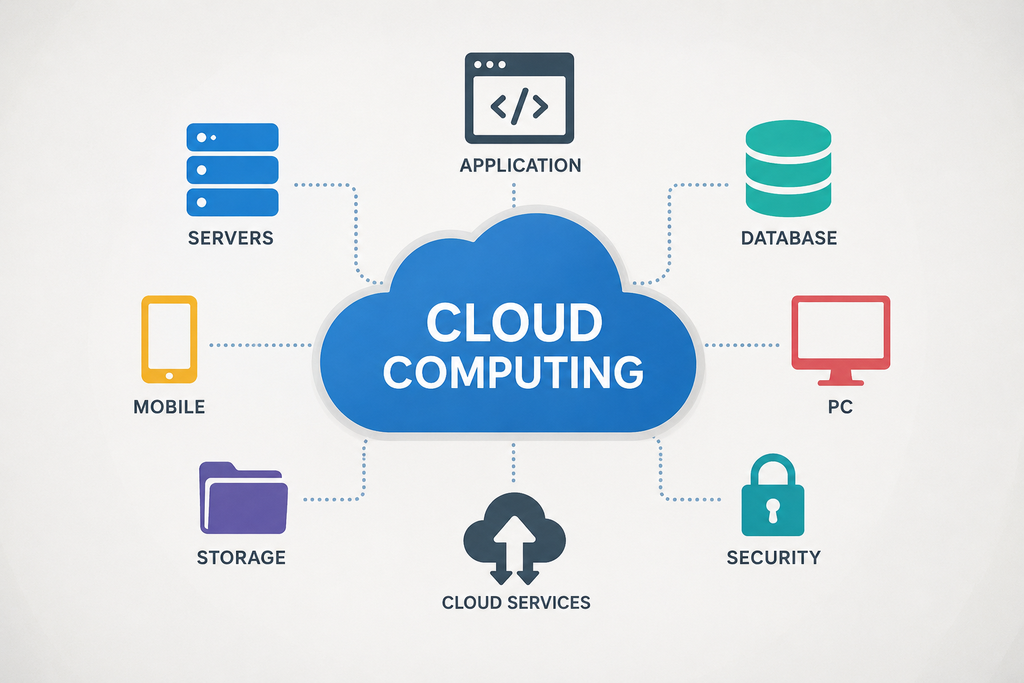
Understanding operating systems is also an important foundation for learning computer science, programming, networking, system administration, cloud computing, and cybersecurity.

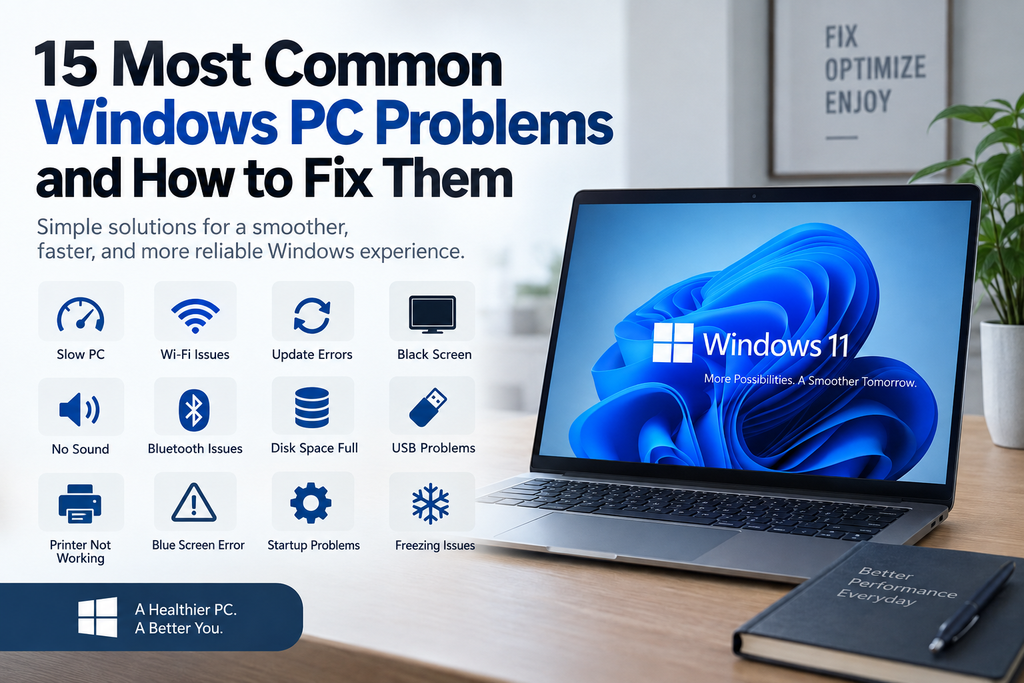
Pingback: 15 Most Common Windows PC Problems and How to Fix Them - Topqna